Adjust bass enhancement
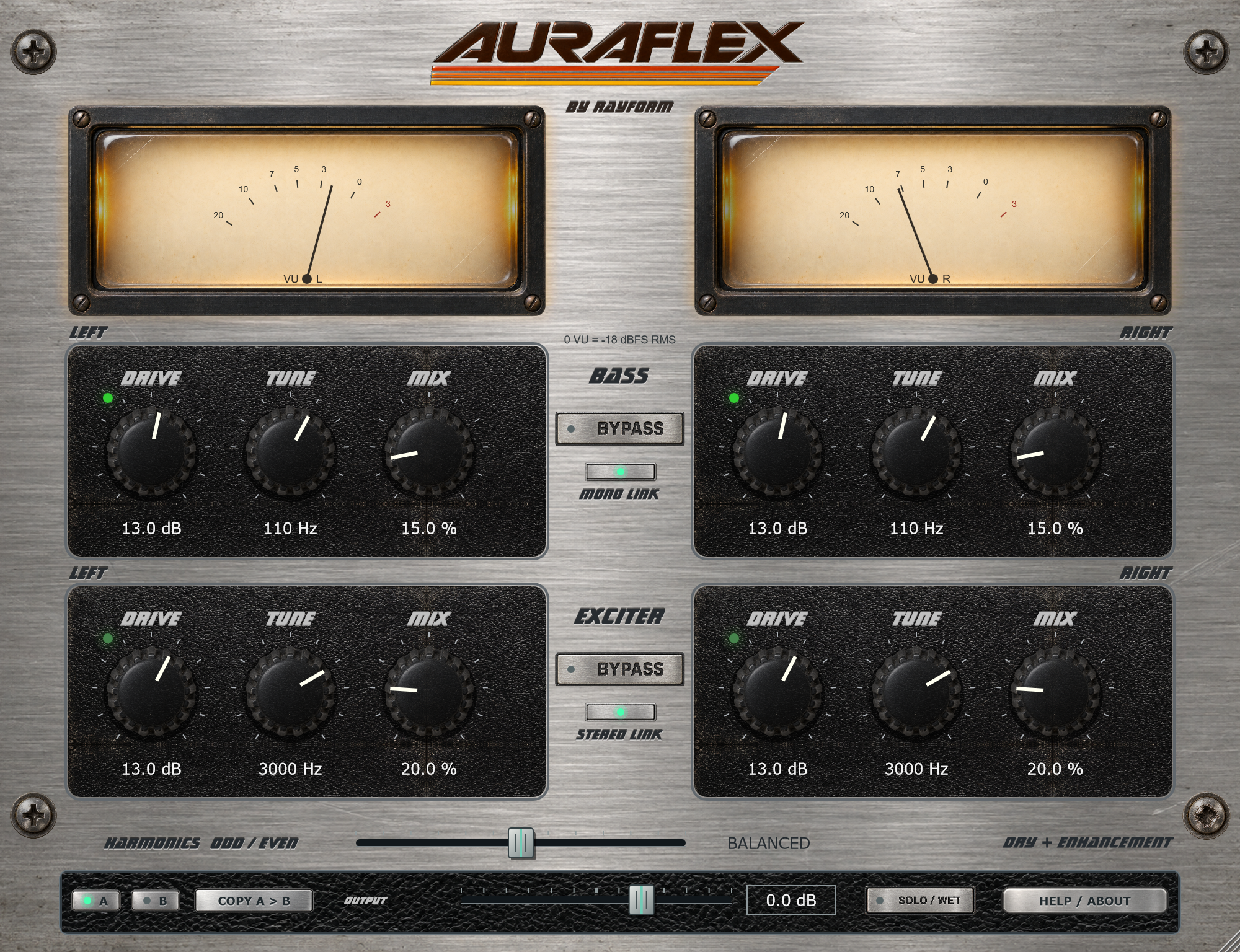
Blend bass enhancement with the original signal. Drive controls the level-dependent response; Tune sets the frequency focus.
 Find Your Frequency.
BASS ENHANCER + HARMONIC EXCITER
A bass enhancer and harmonic exciter with independent Drive, Tune, and Mix controls for each section. Add low-frequency weight and upper harmonics, then blend the enhancement with your original signal.
“Like taking a blanket off your speakers.”
Blend bass enhancement with the original signal. Drive controls the level-dependent response; Tune sets the frequency focus.
Blend odd and even harmonics. Use each section’s Drive, Tune, and Mix controls to set the amount, frequency focus, and wet/dry balance.
Link the channels to adjust both from either side. Unlink to restore independent right-channel settings. Bass Mono Link shares the low-frequency enhancement while preserving the dry stereo signal.
Use Solo/Wet to hear only the enhancement or to process a send. Use A/B, Copy, and Output to compare settings at matched levels.
Select 1×, 2×, 4×, or 8× oversampling in Help/About. Dirty Pots models the character of moving hardware controls.
Raise the Bass mix gradually and use Tune to set the frequency focus. Adjust Drive for the response you want.
Blend in a small amount of Exciter and adjust Tune to focus the upper harmonics. Match Output when comparing with the original.
Enable Solo/Wet on a return and use the bus fader to blend the enhancement with your mix.
Install and authorize with Rayform Hub.
Setup guide ↗License details ↗Frequently asked questions
The Bass and Exciter paths are added alongside the original signal. Solo/Wet outputs only the enhancement for auditioning or use on a return.
It derives the bass enhancement from the combined left and right input and adds it to both outputs. The dry stereo signal is preserved.
Use a 64-bit DAW with VST3 support on Windows 11, or AU/VST3 support on macOS 26.0. Choose the build for your setup in your Rayform account.
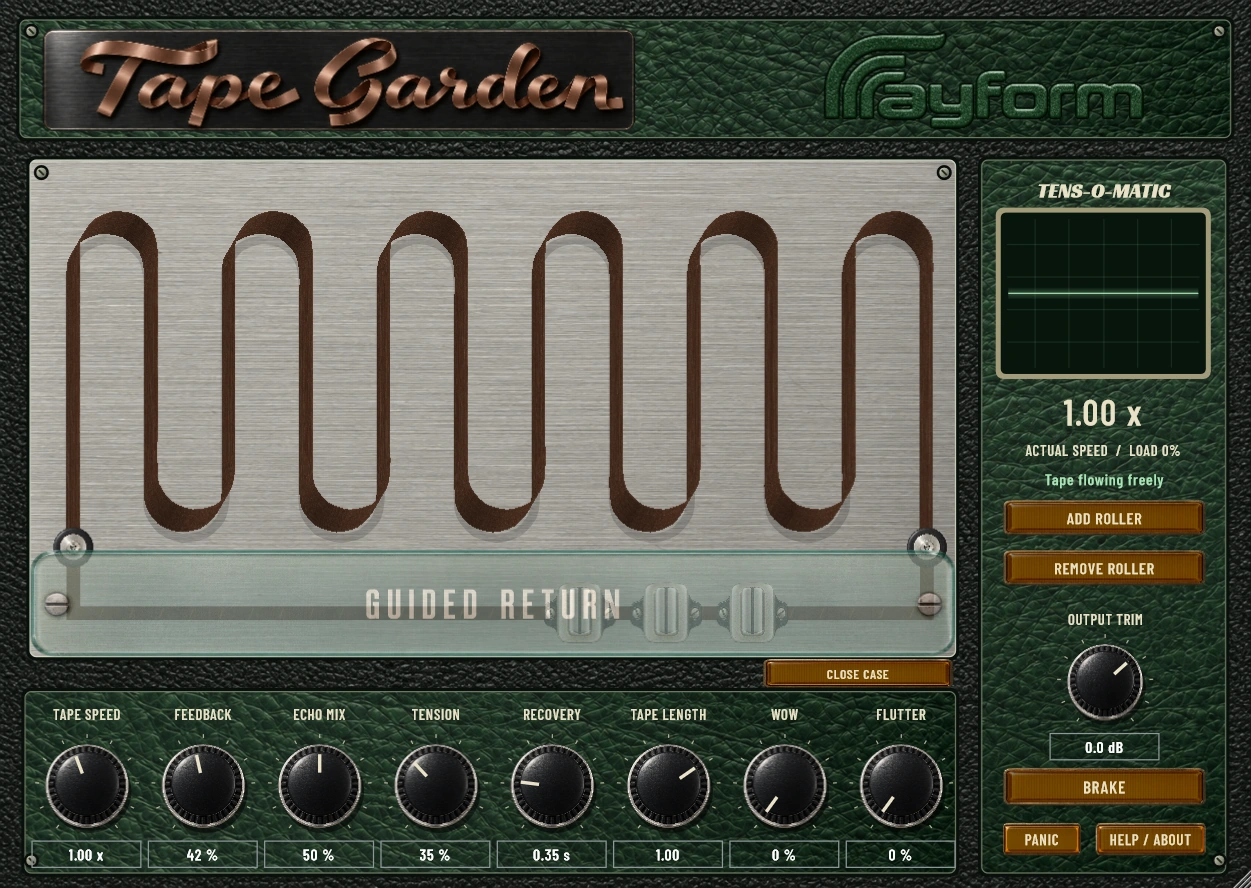
Play a stereo tape echo by dragging the tape and moving five rollers. Shape Wow and Flutter, and record the movements as automation.
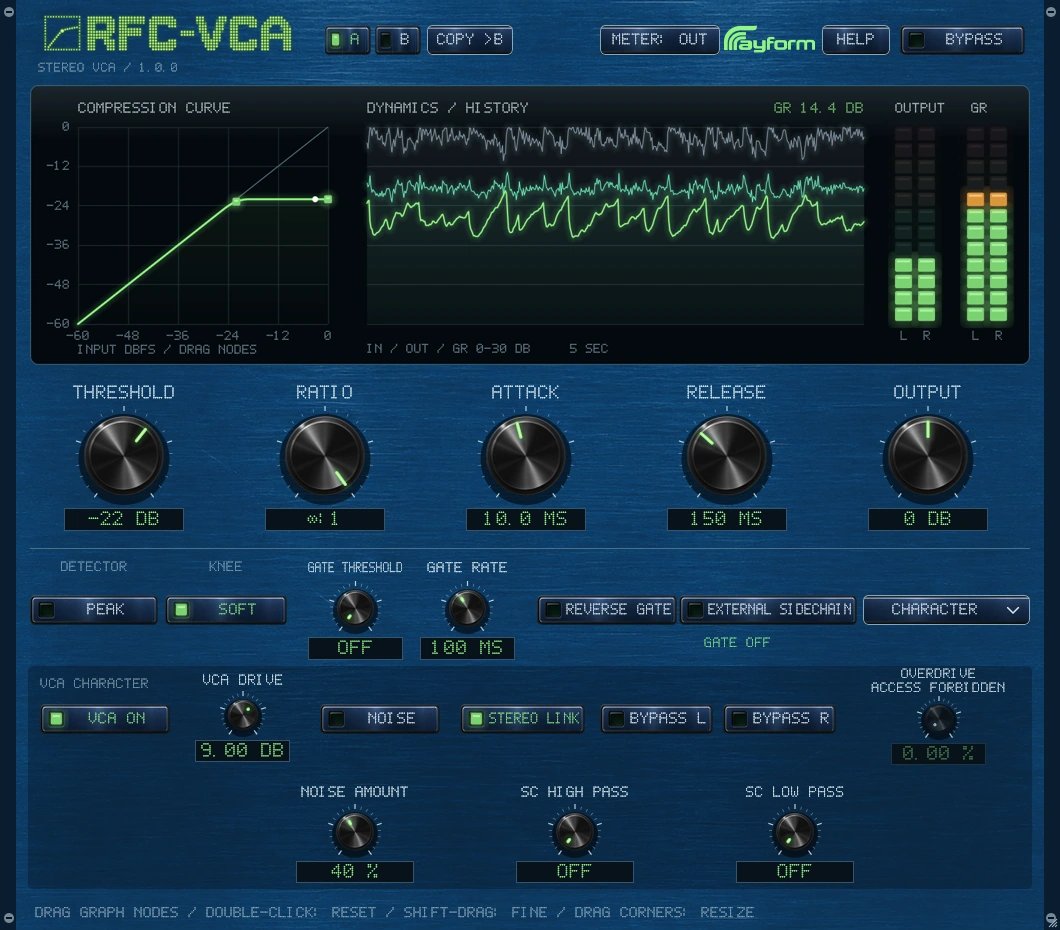
Control transients and bus dynamics with VCA-style compression and gating. Use Peak or RMS detection, sidechain filters, and VCA Drive to shape the response.