Load sources and set Morph
Load two audio files or route the DAW’s main input and sidechain. Move Morph from A through the processed combination to B. Use Listen A and Listen B to audition each source.
 Find Your Frequency.
SPECTRO-GRANULAR SOUND MODULATOR
Combine two audio sources using spectral, granular, or hybrid processing. Move Morph between the original sources and their processed combination, then shape the result with Timbre, Formant, Grain Size, and Scatter.
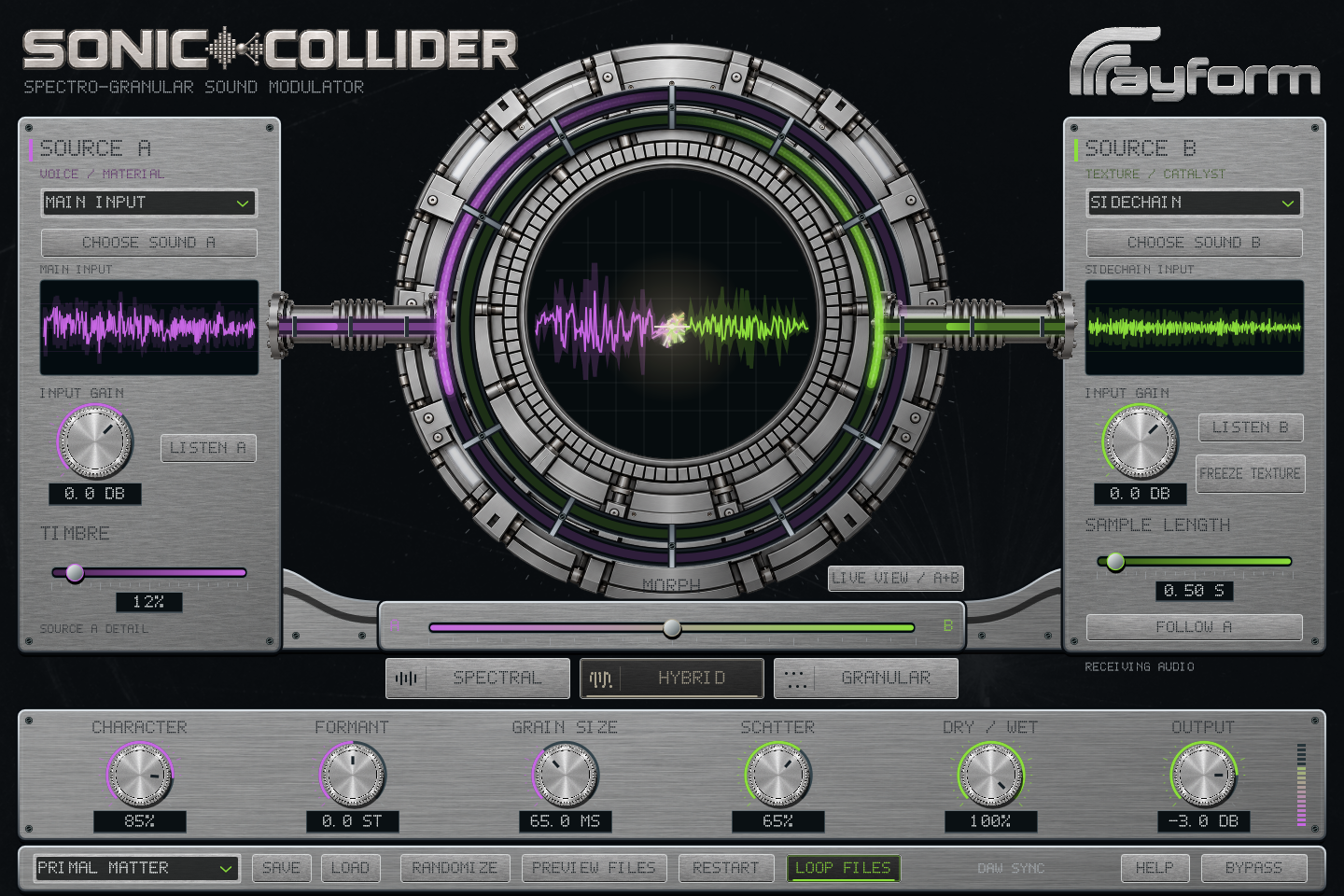
Load two audio files or route the DAW’s main input and sidechain. Move Morph from A through the processed combination to B. Use Listen A and Listen B to audition each source.
Choose Spectral, Granular, or Hybrid. Timbre and Formant adjust spectral processing. Grain Size ranges from 10 ms to two seconds. Hybrid combines spectral and granular processing.
Sample Length selects 20 ms to five seconds of recent Source B audio. Freeze Texture repeats that selection. Adjust its length while frozen or release it to resume live input.
Character controls processing strength, drive, and granular ring modulation. Scatter spreads, detunes, and reverses grains and diffuses spectral phase. Follow A applies Source A’s amplitude to Source B.
Switch Live View between incoming sources and the output waveform. The display lights respond to the audio.
Save a .soniccollider setup containing settings and source-file paths, then load it in the plugin or Windows standalone. Factory presets include source pairs. Randomize changes the shaping controls.
Use a rhythm for Source A and a textured recording for Source B. Choose Spectral or Hybrid and adjust Morph and Formant.
Choose a short Sample Length and enable Freeze Texture. Increase Grain Size and Scatter to reshape the captured audio.
Feed A from the DAW’s main input and B from a sidechain. Enable Follow A to apply A’s amplitude to the second source.
Install and authorize with Rayform Hub.
Setup guide ↗License details ↗Frequently asked questions
Try contrasting sources such as voice and texture, percussion and a sustained chord, or an instrument and a field recording. Adjust Morph to blend them with the processed result.
Yes. In the AU or VST3 plugin, A can use the main input and B can use a routed sidechain. The Windows standalone offers Live Input for A, with the device selected in Audio Settings.
It repeats a window of recent Source B audio, set by Sample Length. Change the length while frozen to reshape it, then release Freeze to return to incoming audio.
Save a .soniccollider setup or your DAW project. Keep source audio at its saved locations, and use Choose Sound to relink a moved file.
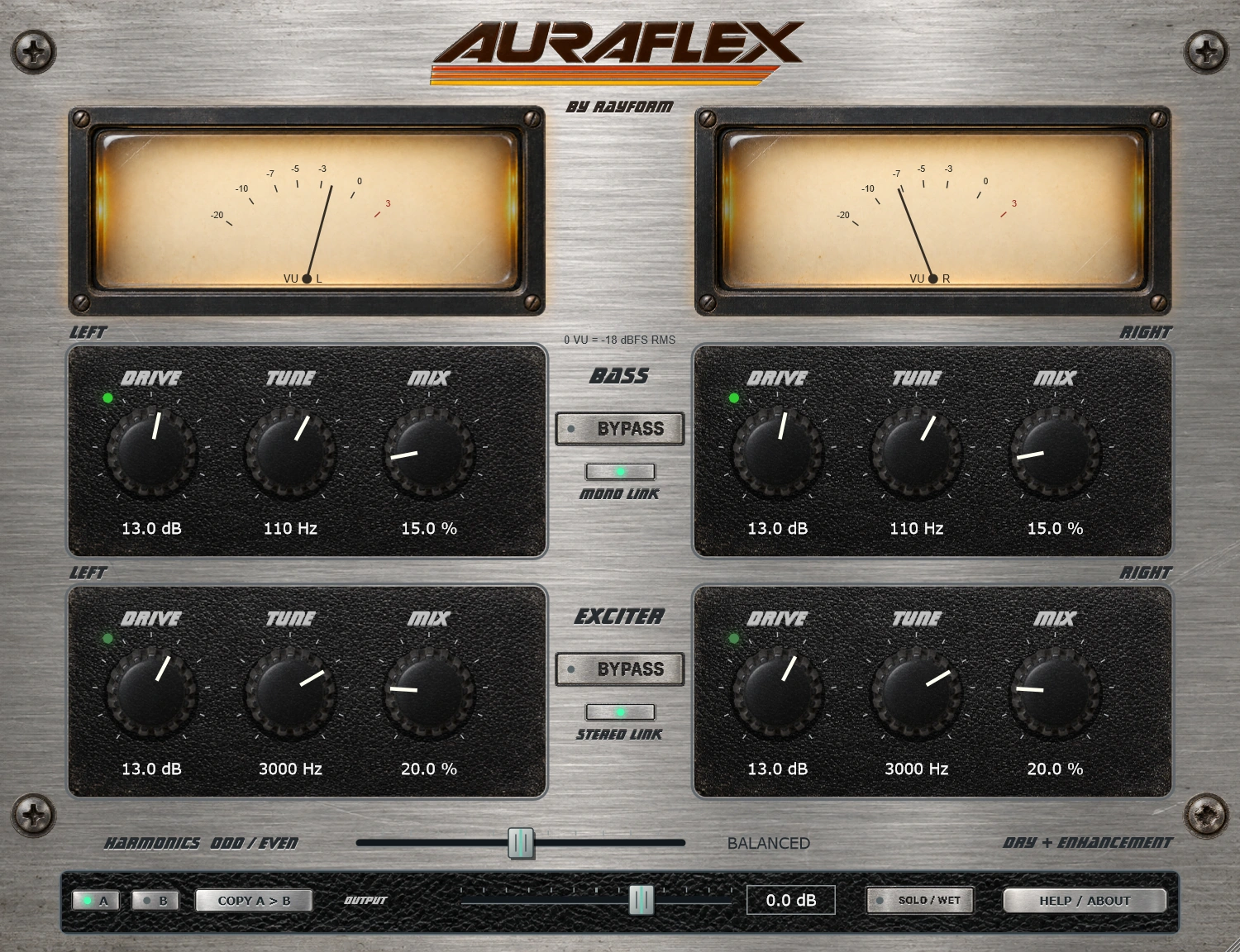
Add low-frequency weight and upper harmonics with a bass enhancer and exciter. Separate Drive, Tune, and Mix controls let you shape each section.
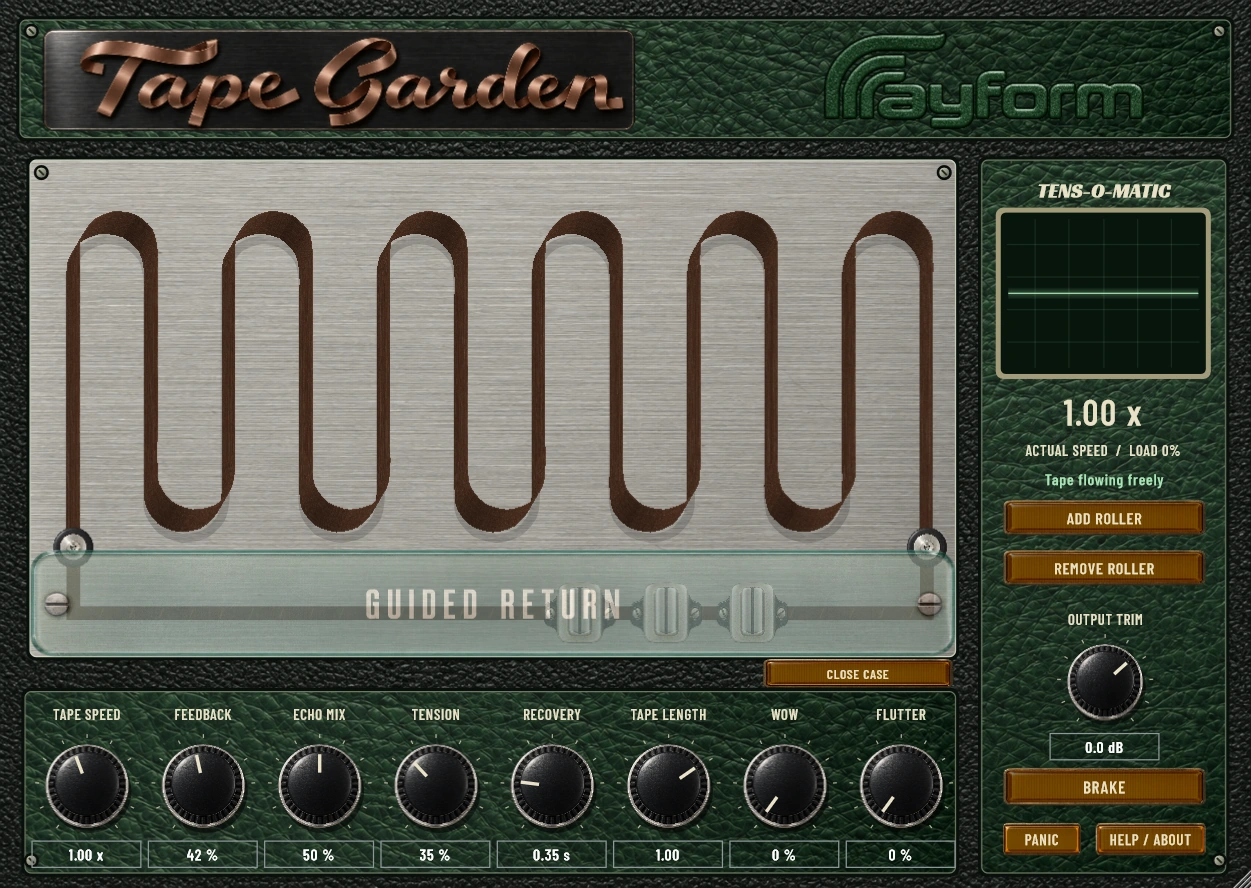
Play a stereo tape echo by dragging the tape and moving five rollers. Shape Wow and Flutter, and record the movements as automation.