Set compression and timing
Compress applies gentler compression; Limit applies stronger compression. Set Attack from 0.1 to 70 ms and choose one of five Recovery times.
 Find Your Frequency.
STEREO VARI-MU COMPRESSOR
A stereo vari-mu compressor built around a bias-controlled tube model. Choose Compress or Limit, set Attack and Recovery, and shape saturation with three tube characters and dedicated harmonic controls.
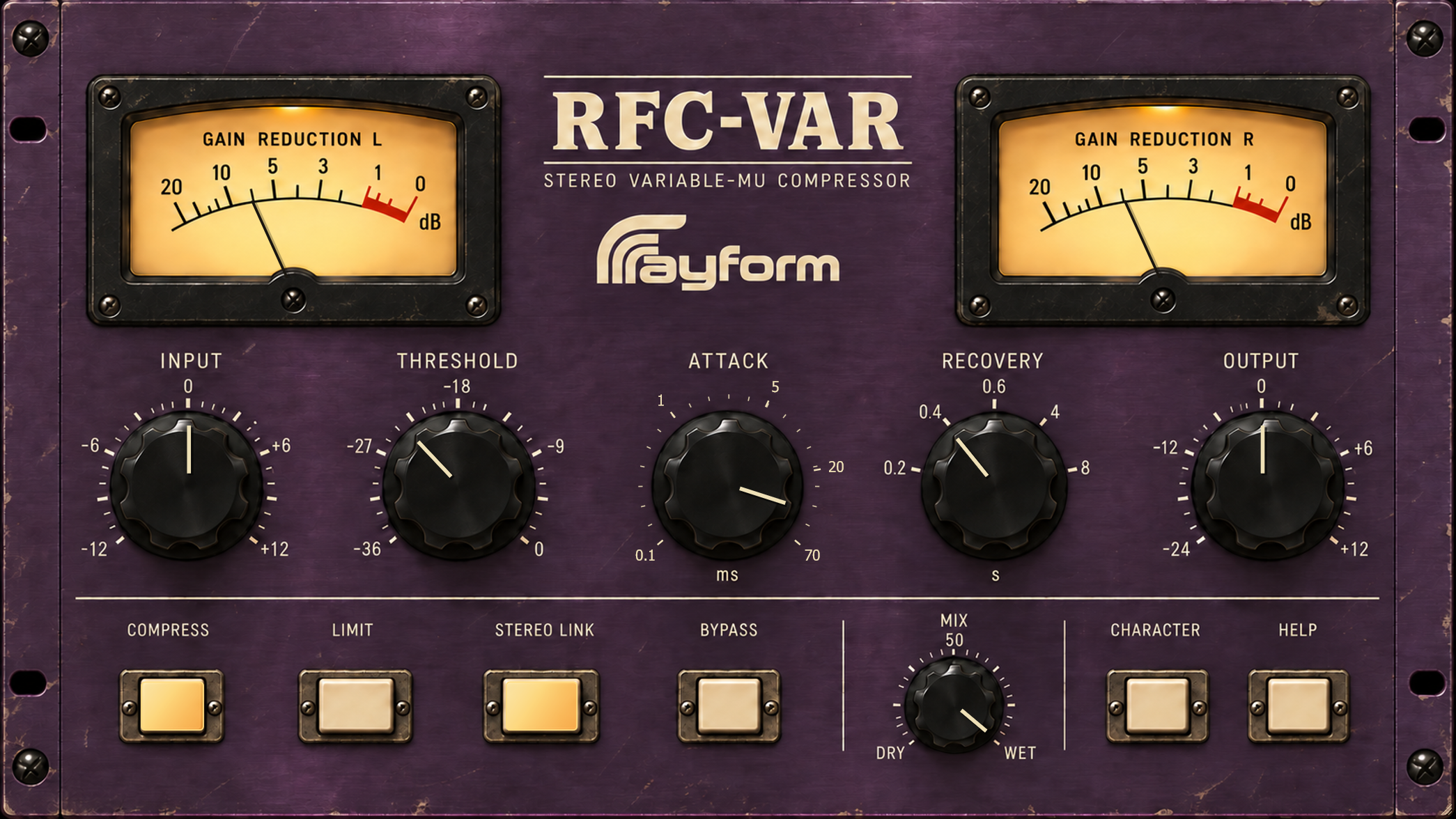
Compress applies gentler compression; Limit applies stronger compression. Set Attack from 0.1 to 70 ms and choose one of five Recovery times.
Stereo Link shares the detector between channels. Disable it for independent detection using the same control settings. Mix sets the wet/dry balance.
Choose Rounded, Balanced, or Driven. Adjust Harmonics and Colour Drive, use Tube Balance for even-harmonic balance, and Iron for low-frequency transformer character.
The two meters show gain reduction. Use A/B, Copy, and Init to compare or reset settings. Drag a corner to resize the interface. Help opens within the panel.
Select External Sidechain in your DAW’s parameter list and route a trigger to the auxiliary bus. Sidechain 100 Hz reduces the detector’s response to bass.
Cathode Boost increases the modeled stage gain above the low-bass range. Combine it with the selected tube character to adjust the response.
Noise Amount sets the circuit-style noise level. Use Output to match levels during comparisons.
Start in Compress with Stereo Link on and Attack around 25–40 ms. Lower Threshold for a few dB of gain reduction, then match the level with Output.
Choose Recovery to follow the rhythm. Use Mix to blend compressed and original signals.
Try Colour Drive around 6–12 dB, with Tube Balance and Iron near the middle. Compare at matched output levels.
Install and authorize with Rayform Hub.
Setup guide ↗License details ↗Frequently asked questions
RFC-VAR uses a bias-controlled tube model with feedback detection. RFC-VCA uses VCA-style compression and includes a gate.
Choose Rounded, Balanced, or Driven. Adjust Harmonics, Colour Drive, Tube Balance, Iron, and Cathode Boost to shape the response.
Choose Limit for stronger compression. Attack and Recovery set the timing, and Output sets the final level.
Try Compress, Stereo Link on, and Attack around 25–40 ms. Lower Threshold for 1–3 dB of gain reduction, then match the output level.
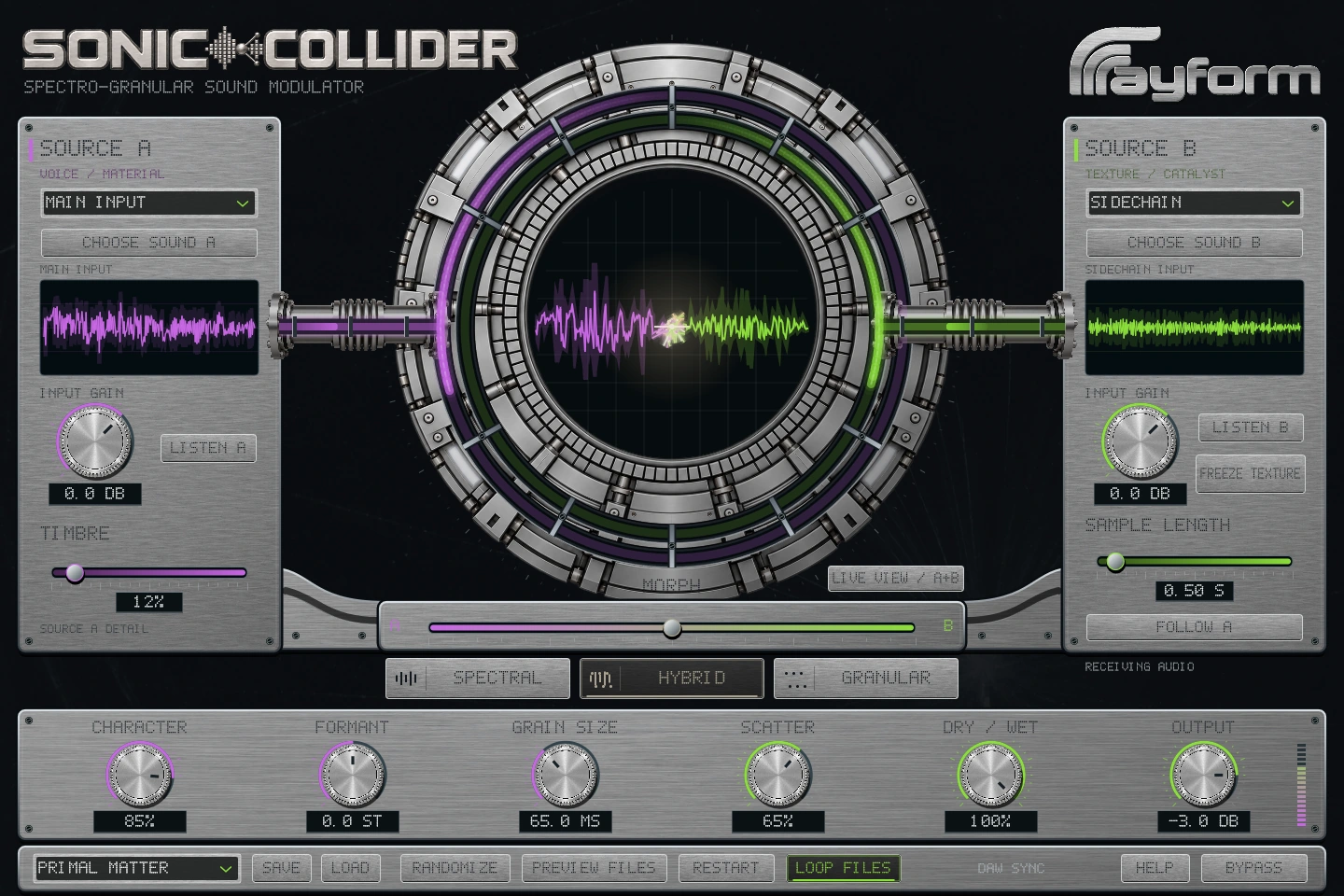
Combine two sounds with spectral and granular processing. Morph between sources, freeze a texture, and reshape it with grain and timbre controls.
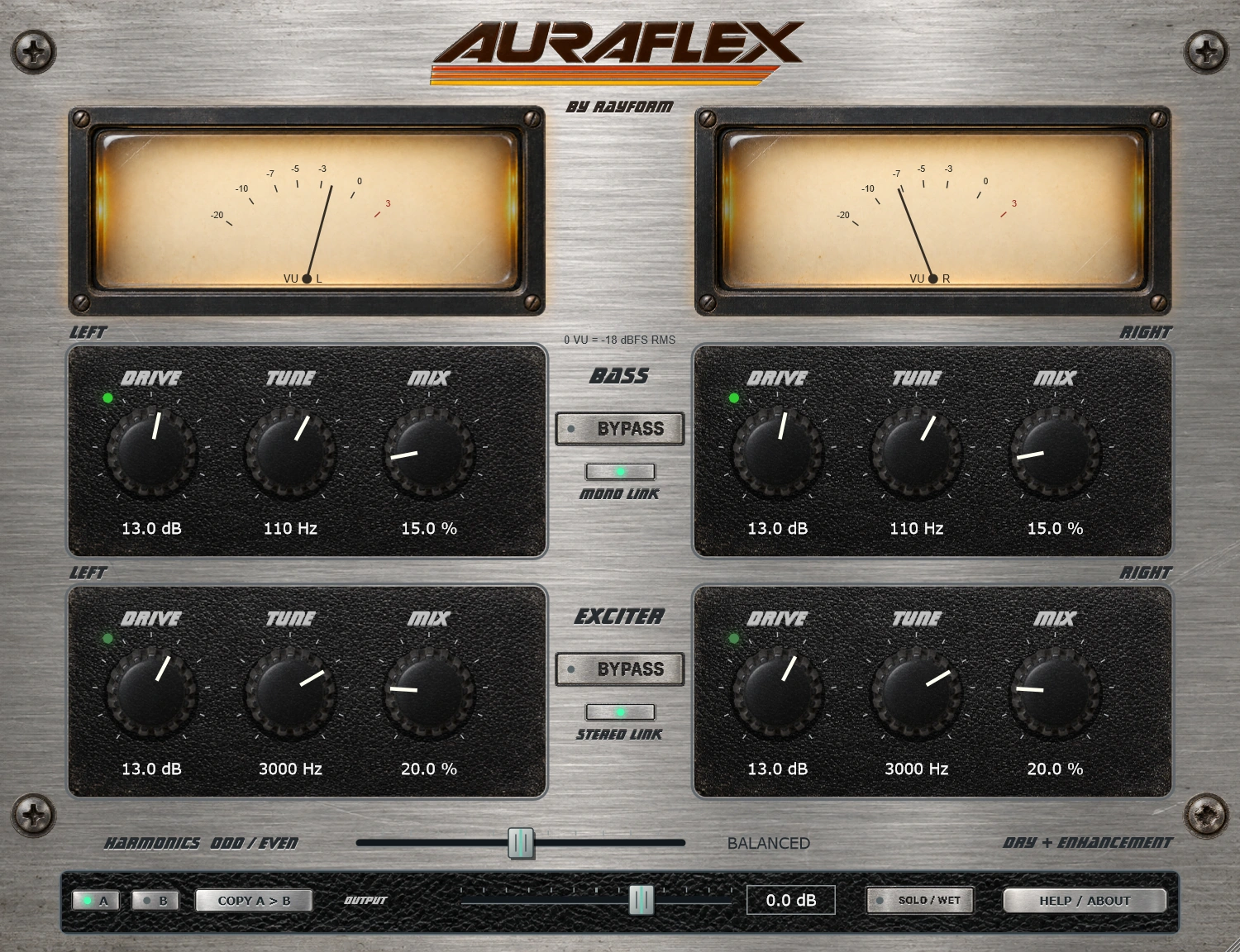
Add low-frequency weight and upper harmonics with a bass enhancer and exciter. Separate Drive, Tune, and Mix controls let you shape each section.